

Importing an existing app
Import your original Draftbit app into the new Builder
If you have an existing app built using the original ‘Classic’ Draftbit, you can import your app into the new AI-powered app builder. Select the  tab from the menu on the Dashboard then select the app you’d like to import.
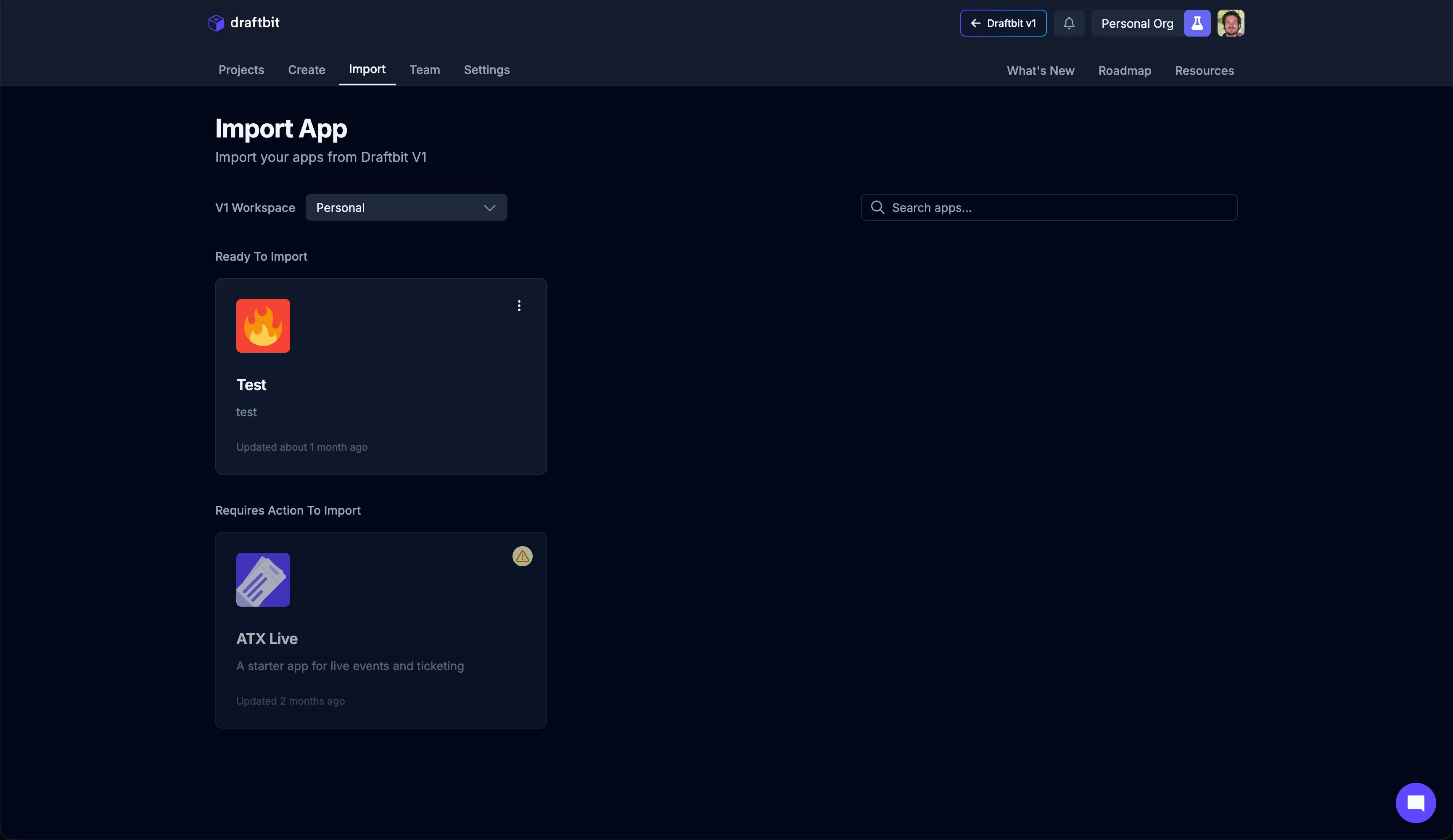
Once you locate the app you’d like to import, click the  button to start the import process.
Your app code will be generated and packaged-up along with any image assets you have, then downloaded into your workspace. Once your app is imported, you can work on it using the AI app builder or in the code editor.
The import process can take several minutes depending on the size of the app you are importing. You can navigate away and come back to check on progress.