

Preview Logs
View the logs for your app preview
Switch to Preview Logs view using the
icon in the main menu.
The Preview Logs view allows you to view the logs for your app preview. This is useful for debugging and troubleshooting your app.
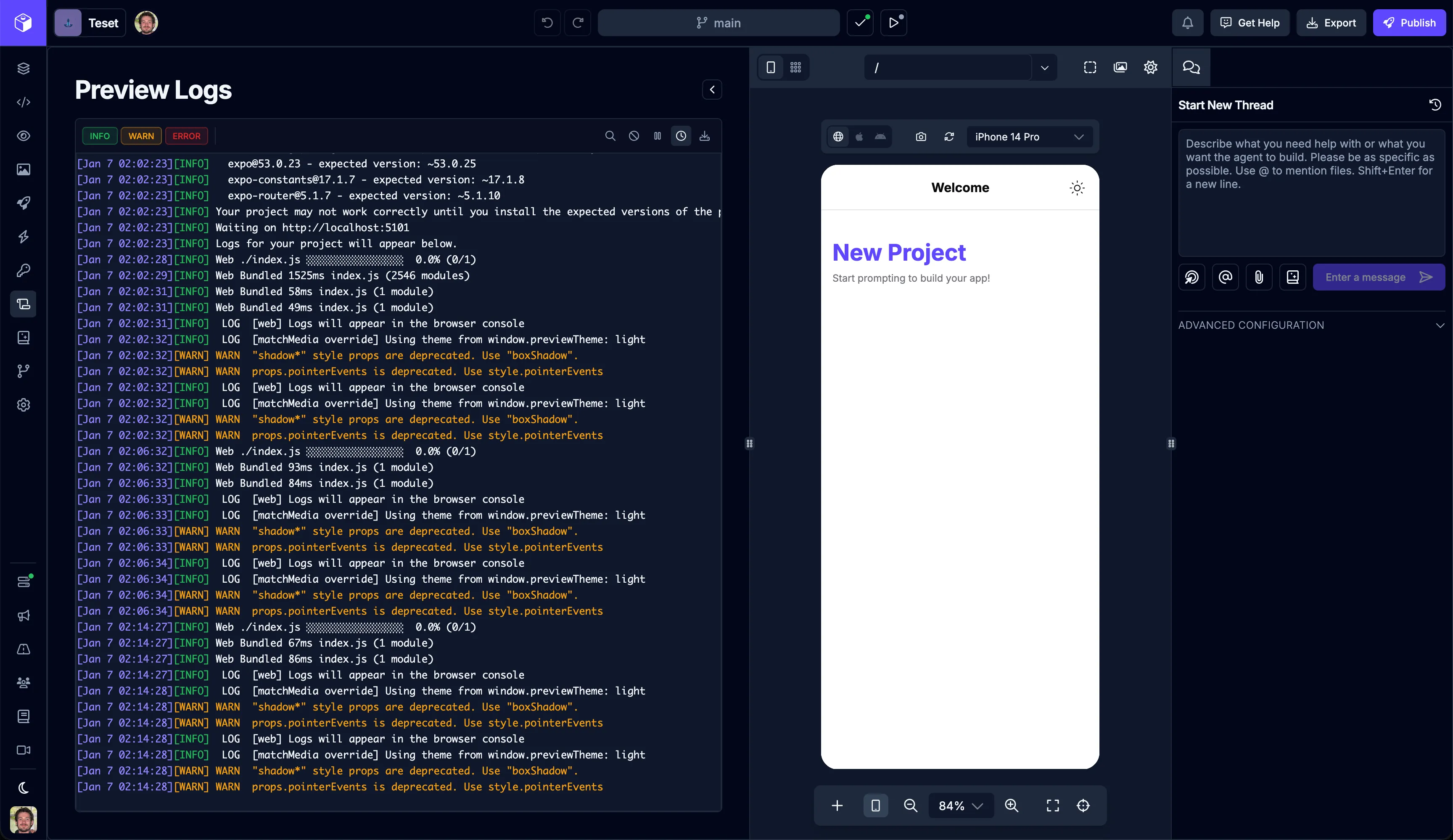
| Icon | Action | Description |
|---|---|---|
 | ToggleInfo Logs | Toggle the visibility of the info logs |
 | Toggle Warning Logs | Toggle the visibility of the warning logs |
 | Toggle Error Logs | Toggle the visibility of the error logs |
 | Search Logs | Search the logs |
 | Clear Logs | Clear all the logs |
 | Pause Logs | Pause the logs |
 | Toggle Timestamps | Toggle the visibility of the log timestamps |
 | Download Logs | Download the logs |