

Logs
View preview logs and runtime output for your app
Open Logs using the
control in the Builder navigation.
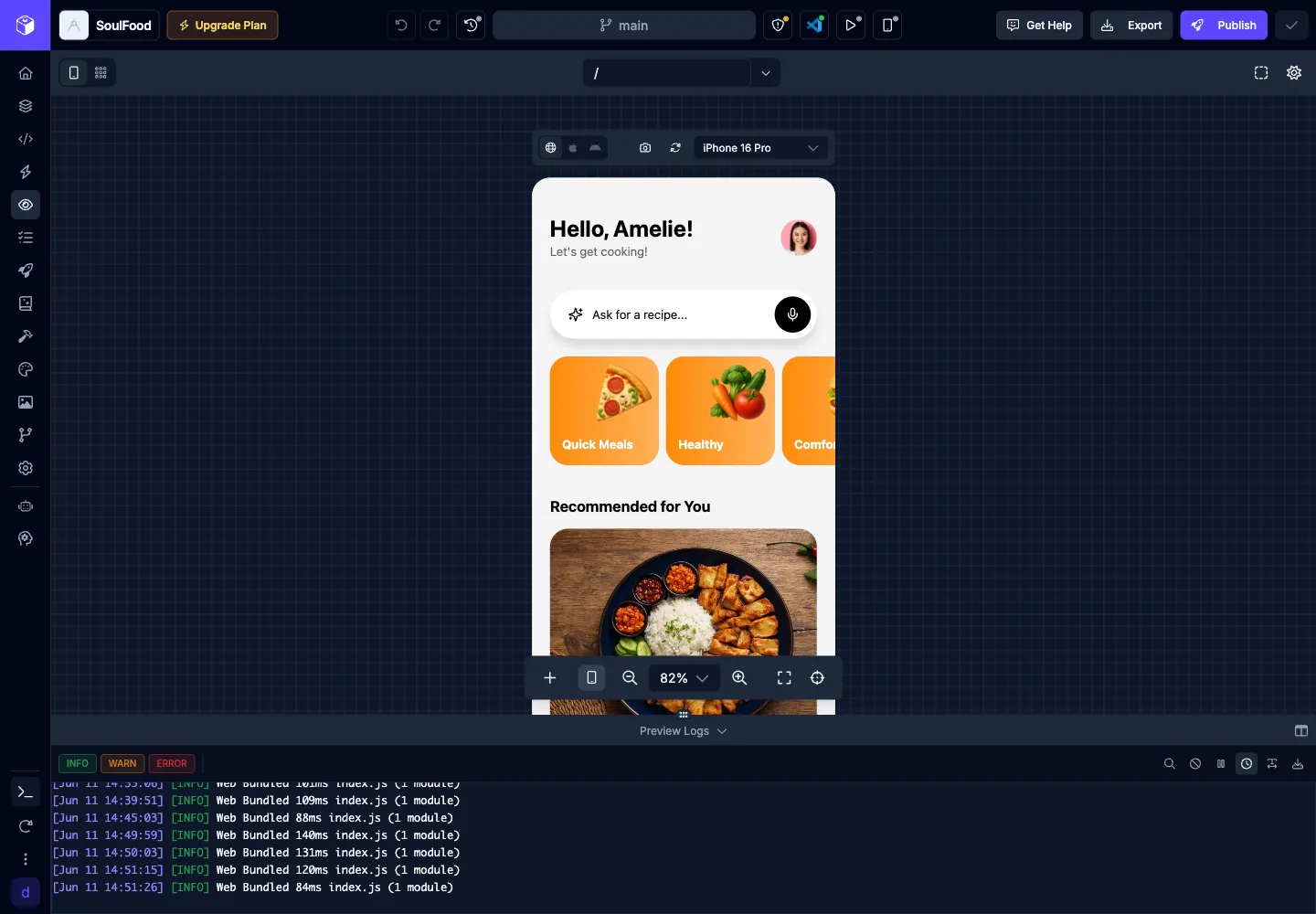
Logs let you inspect runtime output for your app preview while you work in the Builder. They are useful for debugging and troubleshooting app behavior, preview startup issues, and runtime errors.
Logs open as an inline panel, so you can inspect output without leaving the Builder surface you are using. Runtime errors from the web preview can also appear as Builder toasts and update the preview status.
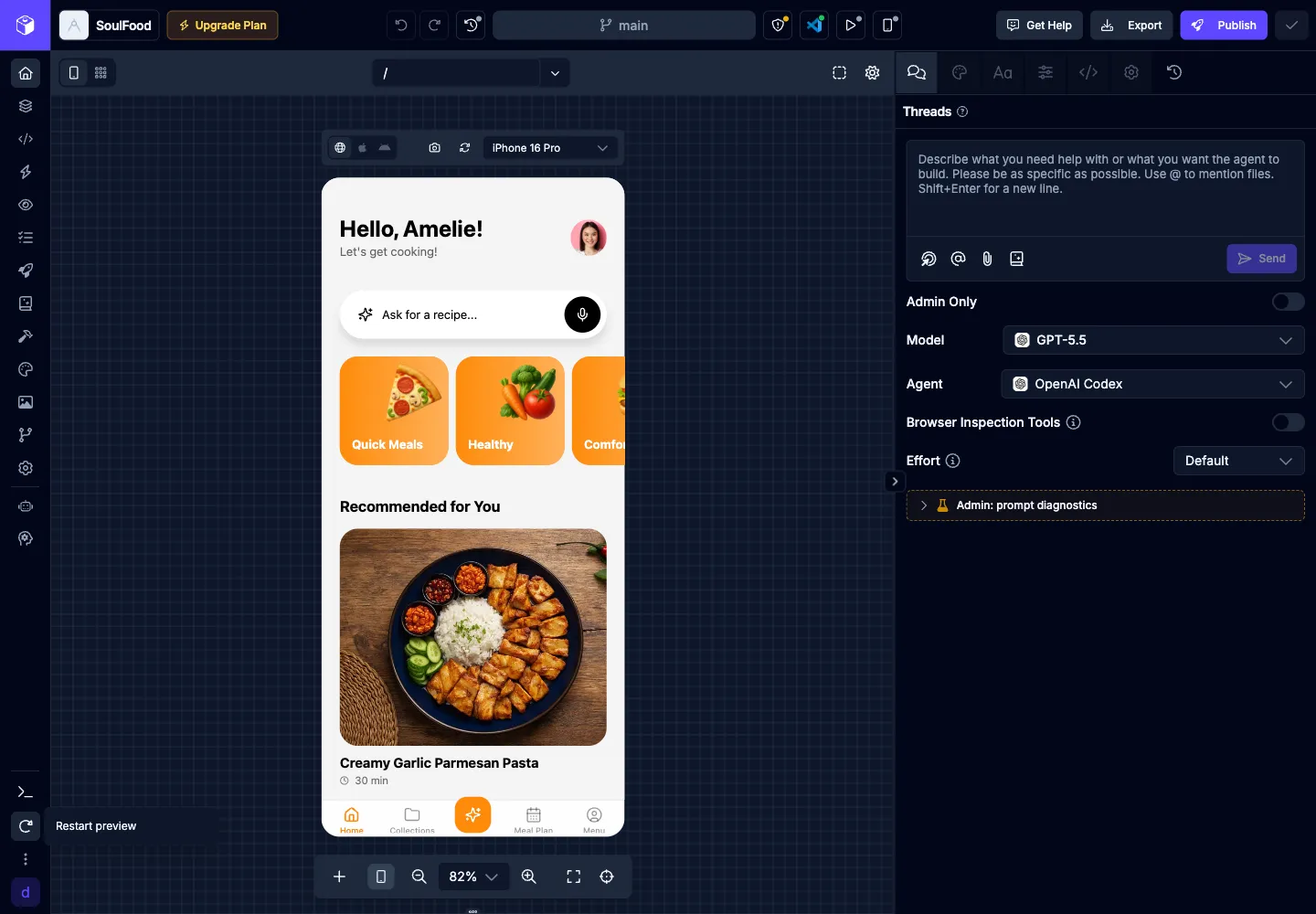
Use the Restart preview control in the Builder navigation when you need to reload the running preview after a dependency, configuration, or runtime change.
| Icon | Action | Description |
|---|---|---|
 | Toggle Info Logs | Toggle the visibility of the info logs |
 | Toggle Warning Logs | Toggle the visibility of the warning logs |
 | Toggle Error Logs | Toggle the visibility of the error logs |
 | Search Logs | Search the logs |
 | Clear Logs | Clear all the logs |
 | Pause Logs | Pause the logs |
 | Toggle Timestamps | Toggle the visibility of the log timestamps |
 | Download Logs | Download the logs |