

Project Settings
Configure extra settings for your app project
Switch to Settings view using the
icon in the main menu.
In the Project Settings view you can manage things like your app name and icon.
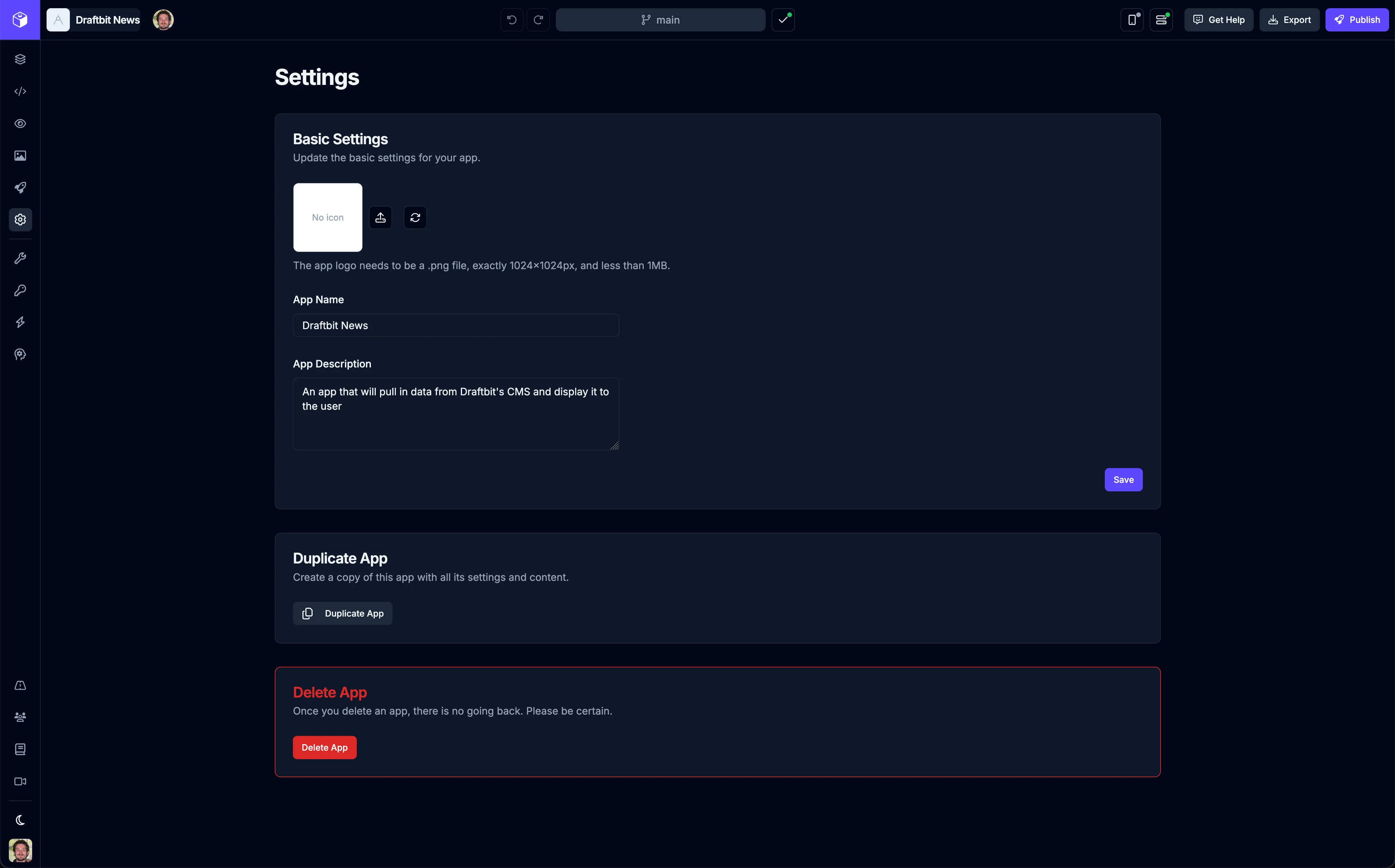
Basic Settings
Section titled “Basic Settings”| Setting | Description |
|---|---|
| Icon | Upload or generate an icon for your app. The app logo needs to be a .png file, exactly 1024x1024px dimensions, and less than 1MB in size. |
| Name | Set a name for your app. This name is used to identify it in Draftbit so make it descriptive |
| Description | Set an optional description for your app |
| Icon | Name | Description |
|---|---|---|
 | Upload app icon | Upload an icon image for your app |
 | Generate app icon | An icon will be generated by AI based on your app name and description |
Notifications
Section titled “Notifications”In this section you can manage your notification preferences for the current app project.
| Setting | Description |
|---|---|
| Agent Done (Sound) | Enable or disable playing a sound when the AI Agent completes a task for the current app project |
Move App
Section titled “Move App”In this section you can move the app to a different workspace you have access to.
Click the  button to get started.
Duplicate App
Section titled “Duplicate App”In this section you can create a copy of the app with all its settings and content.
Click the  button to get started.
Delete App
Section titled “Delete App”In this section you can permanently delete your app project. Once you delete an app, there is no going back. Please be certain.
Click the  button to initiate the process.