

Publishing Overview
Switch to Publish view using the
icon in the main menu.
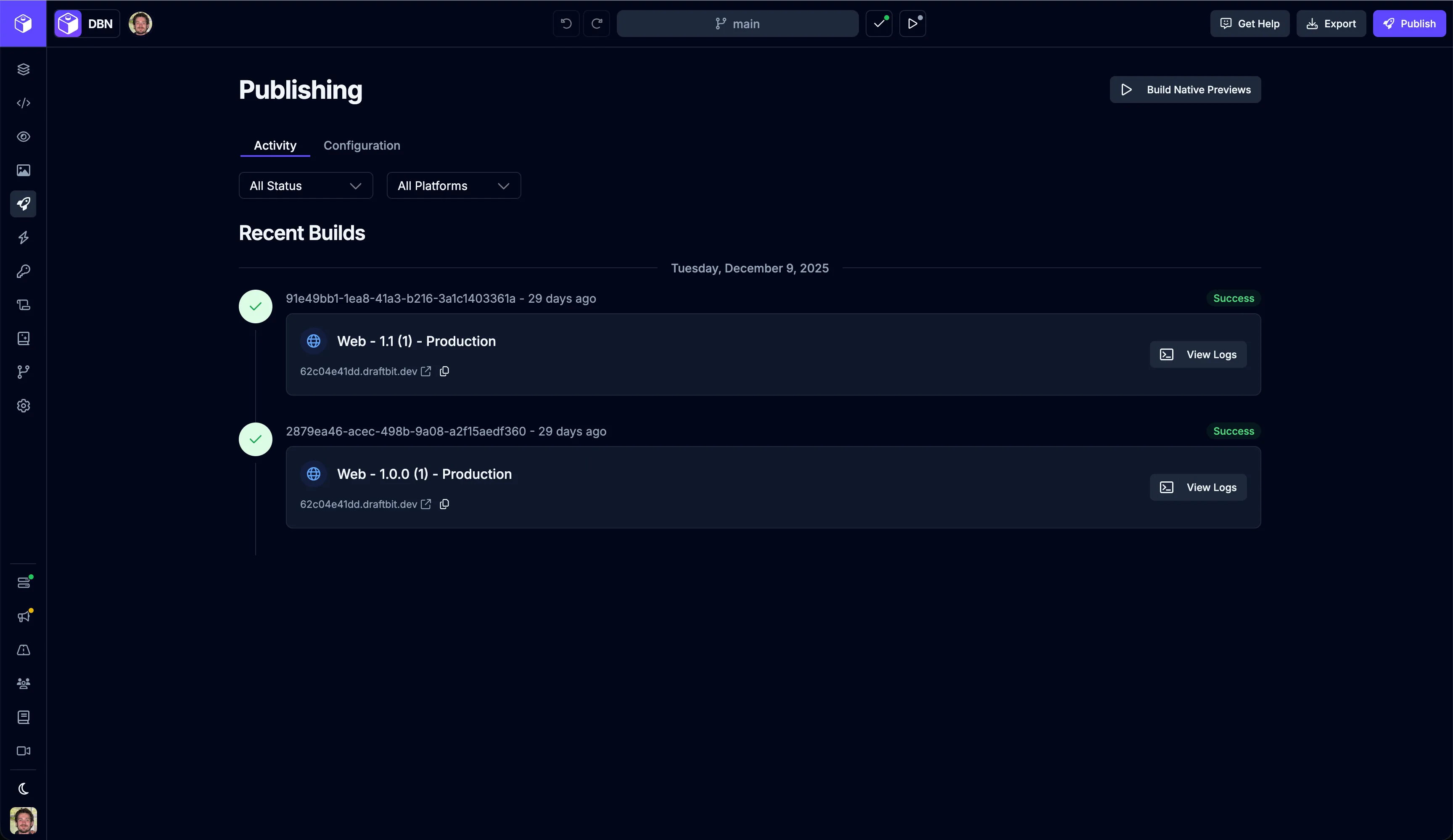
Native Previews
Section titled “Native Previews”You can create native development builds of your app to preview on real iOS and Android simulators running in the Preview Panel.
To start the build process, click the  button from the Publishing page or the native builds
  dropdown from the top bar.
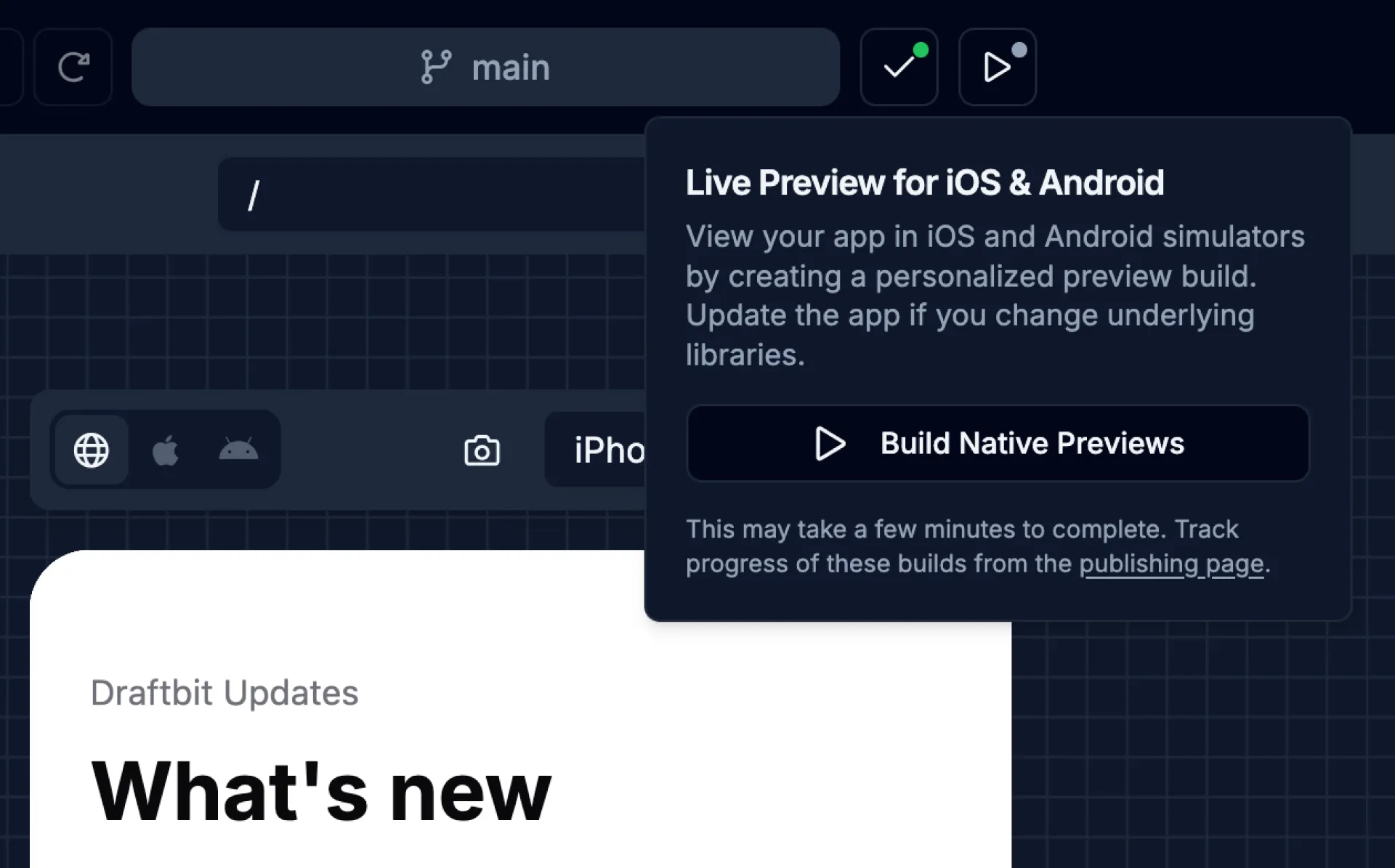
The build process may take a few minutes to complete. Track progress of these builds from the Publishing page. Learn more about previewing your app in the Preview Panel.
Code Export
Section titled “Code Export”You can export your app’s codebase as a ZIP file for publishing your app manually or to continue development outside of Draftbit.
To start the export process, click the  button in the top right of the Builder.
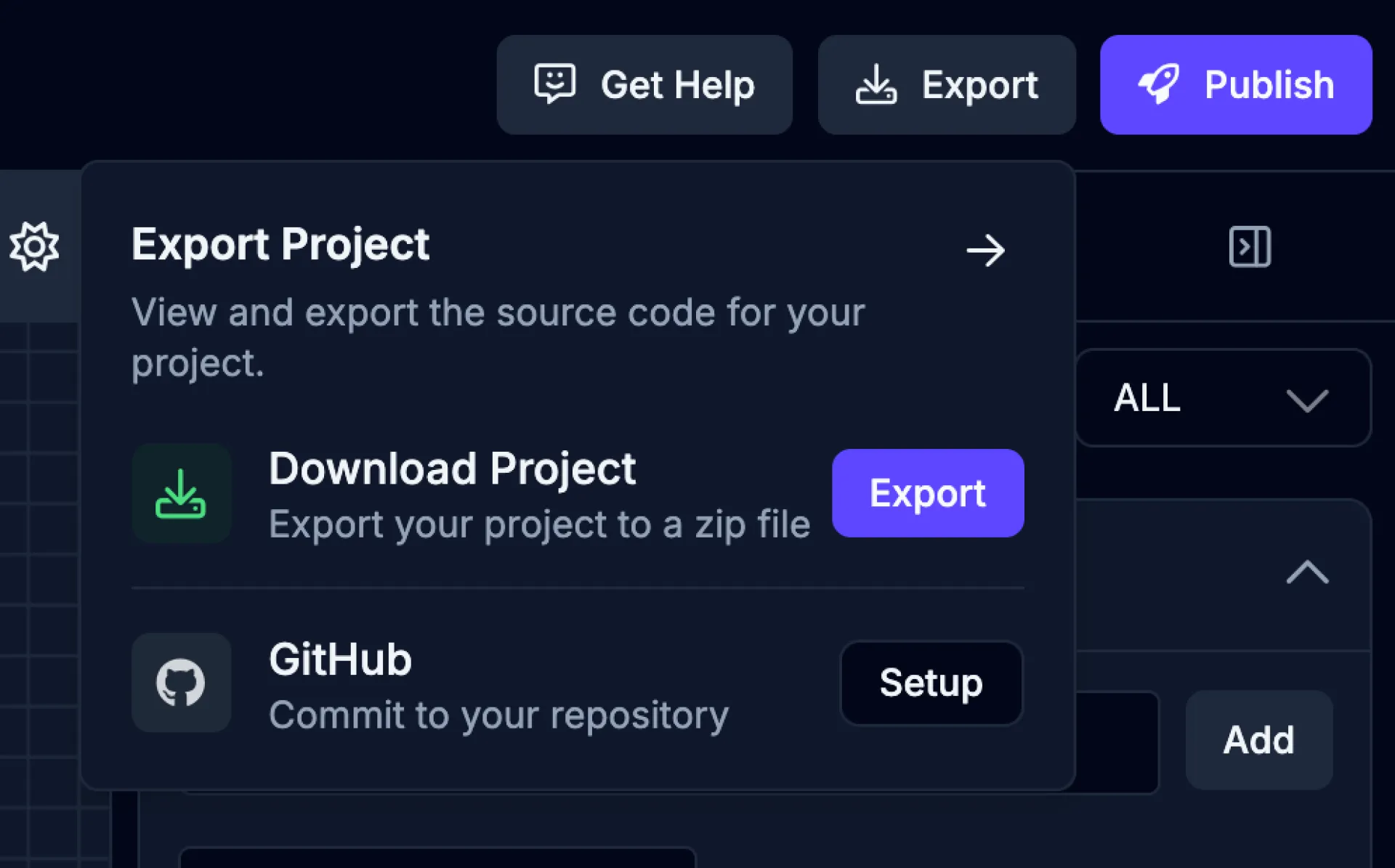
The export process may take a few minutes to complete. Track progress of the export from the export dropdown.
GitHub Export
Section titled “GitHub Export”You can export your app to a GitHub repository to continue development or collaborate with others.
To start the export process, select the GitHub Export option from the Publishing page. Fill in the required fields and click the Save Configuration button.
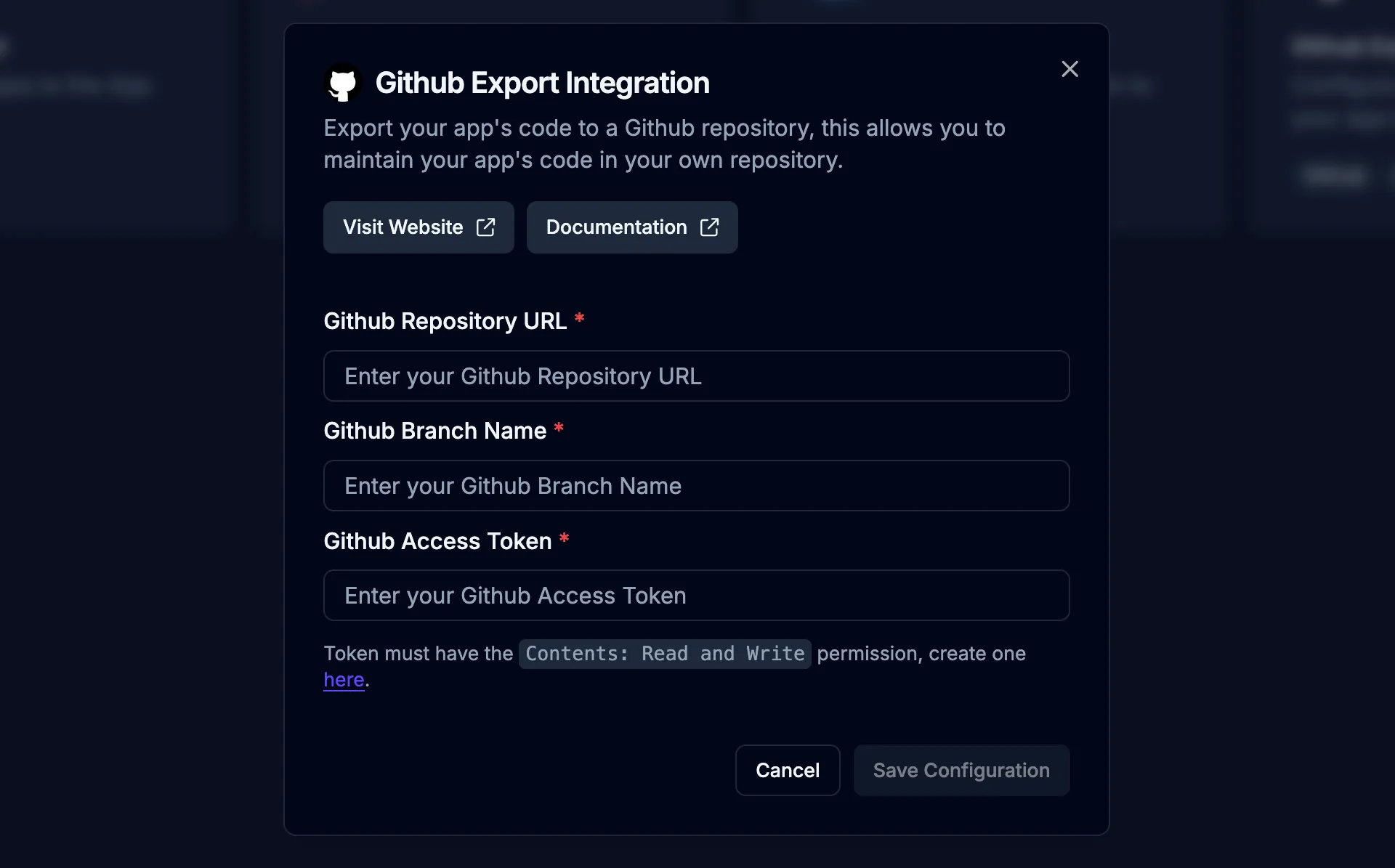
The export process may take a few minutes to complete. Track progress of the export from the Publishing page.
| Field | Description |
|---|---|
| GitHub Repository URL | The HTTPS URL of the GitHub repository to which the exported code will be pushed. Example: https://github.com/username/repository |
| GitHub Branch Name | The branch within your repository where code will be exported. Example: main or develop |
| GitHub Access Token | A personal access token with repo (read and write) permissions for authentication with GitHub. Create a token here. For security, don’t share your token publicly. |
App Store Screenshots
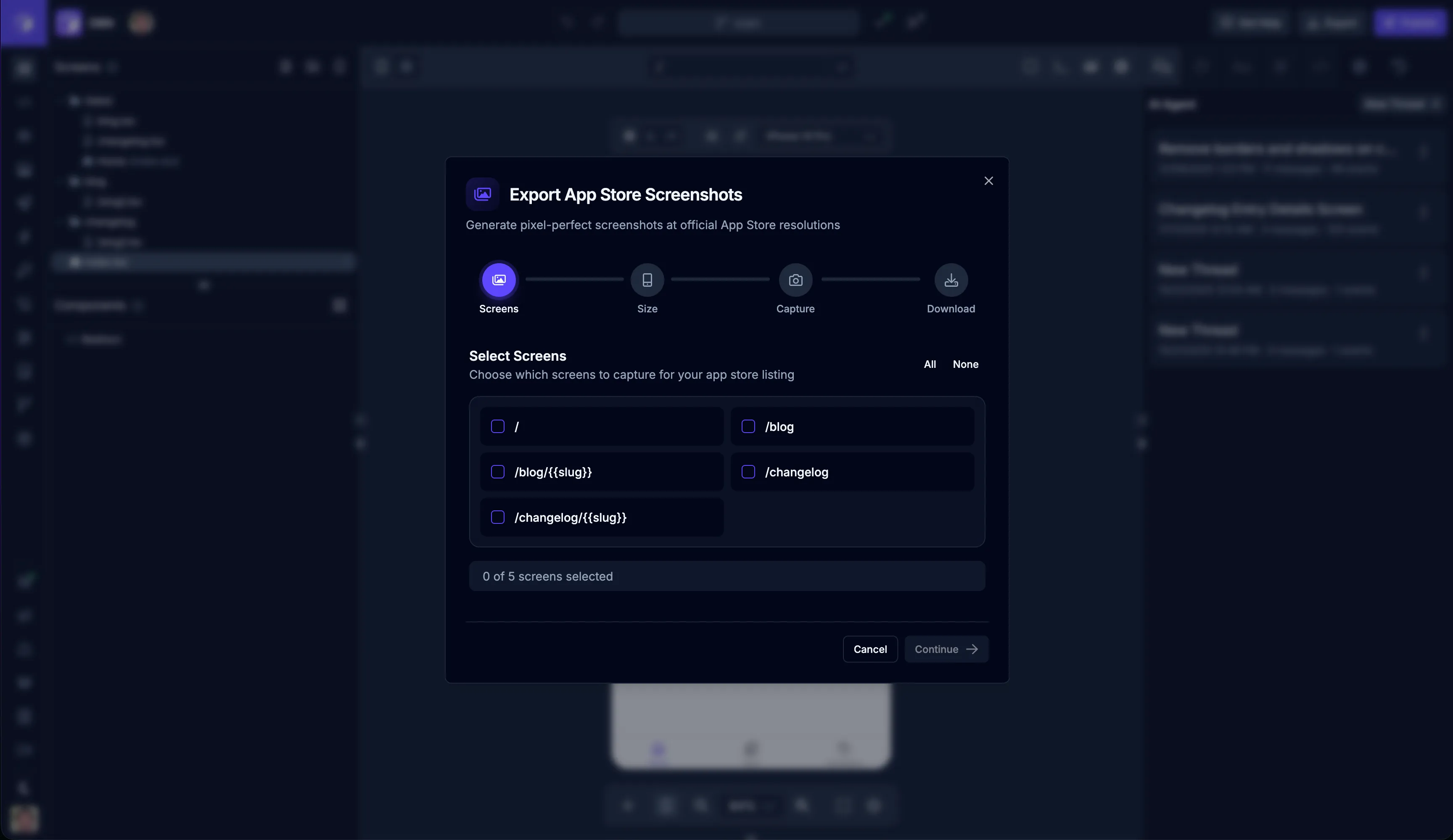
Section titled “App Store Screenshots”Draftbit includes a tool to automatically create screenshots of your app. You can use this tool to create screenshots for your app’s App Store listing.
To open the App Store Screenshot Tool, click the  button in the top toolbar of the Preview panel.
One-Click Publishing
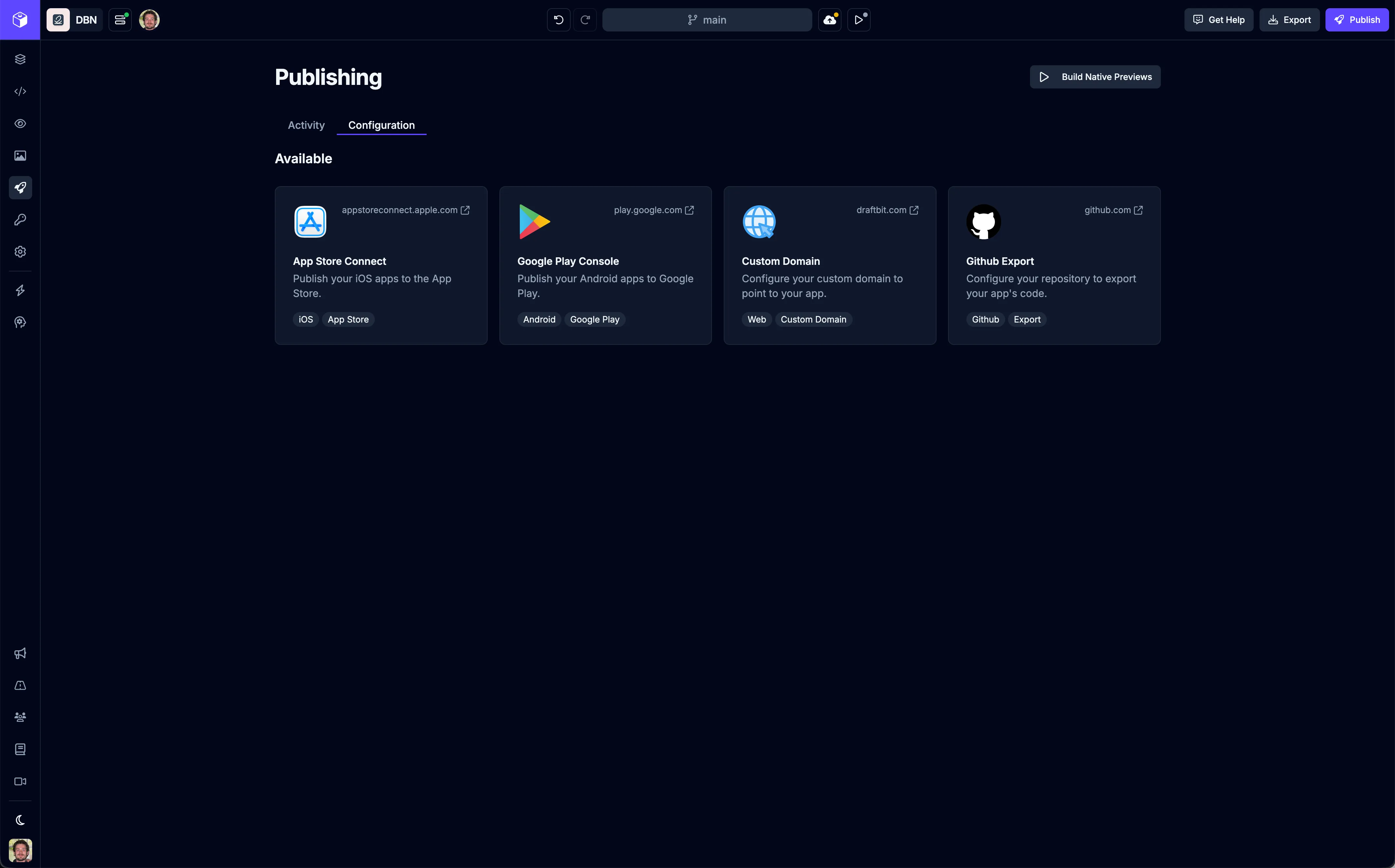
Section titled “One-Click Publishing”Once you’ve built your app in Draftbit, you’re ready to share it with the world! Draftbit offers two approaches to publishing: One-Click Publishing for simplicity, and Manual Publishing for more control.
The easiest way to get your app published to the web, iOS, and Android. Draftbit handles all the technical details automatically.
You can configure publishing by switching to the  tab on the Publishing page.
Manual Publishing
Section titled “Manual Publishing”For developers who want full control over the publishing process. You’ll download your app’s source code and handle the deployment yourself.
How to Choose
Section titled “How to Choose”Choose One-Click Publishing if:
- You want the fastest, simplest way to publish
- You’re new to app development
- You don’t need custom deployment configurations
Choose Manual Publishing if:
- You want full control over the build and deployment process
- You have specific technical requirements
- You want to integrate with your own CI/CD pipeline
- You need to customize app signing or certificates
Ready to publish? Start with one-click publishing for the easiest experience, or dive into manual publishing if you need more control.